Pixverse v6
PixVerse AI's V6 model creates videos with natural motion, realistic physics, and synchronized native audio built into a single generation, no separate sound pass needed. Use Cameos to place yourself in any scene, direct camera angles for cinematic shots, and export in 720p or 1080p, with clips running up to 20 seconds long.
How To Use Pixverse v6?
Tell Pixverse v6 What You Want
Write down your prompt. Describe the action, the setting, who's in it, and how they move. You can upload an image to animate something specific or use it as a reference.
Pick Your Video Settings
Choose your resolution (480p is fast, 720p, 1080p is high quality). Select your aspect ratio based on where you’ll post it.
Generate And Download
Click generate and wait a few minutes. Pixverse v6 creates your video with audio included. Download it and use it however you want, or tweak your prompt and make another version.
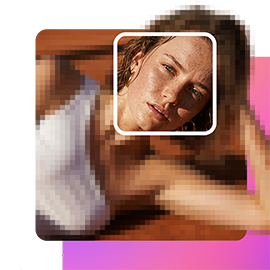
Realistic Physics for Perfectly Natural Motion
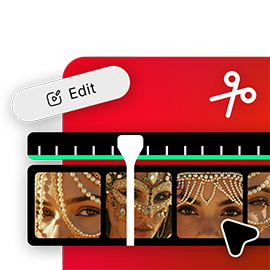
Synchronized Native Audio Generation
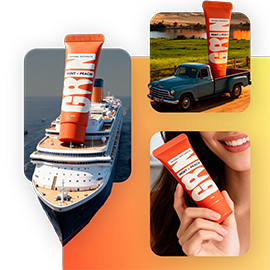
Insert Yourself Into AI-Generated Scenes
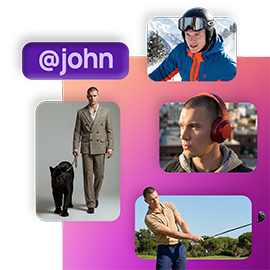
Direct Camera Movements And Composition
Trusted by Professionals and Creators from top Brands and Companies
FAQs
PixVerse v6 is PixVerse AI's video generation model, creating videos with natural motion, synchronized native audio, realistic physics, and Cameos for inserting yourself into generated scenes. It supports 720p and 1080p output.
PixVerse v6 generates videos up to 20 seconds long with temporal consistency and physics-aware motion maintained throughout.
Yes. PixVerse v6 generates audio automatically alongside the video. Dialogue syncs with lip movements, footsteps match walking pace, environmental sounds reflect the scene, and background music fits the mood, all without a separate audio editing pass.
Cameos lets you record a short video once to capture your appearance and voice. PixVerse v6 then places you into any generated environment with an accurate portrayal, working for people, animals, or objects, so you can create personalized content in scenes you'd otherwise never be part of.
PixVerse v6 models real-world physics, gravity, momentum, buoyancy, fluid dynamics, and object permanence, so objects behave naturally instead of morphing or teleporting to match a prompt.
PixVerse v6 supports 720p and 1080p output, in both landscape (16:9) and portrait aspect ratios for social media or other platforms.
Yes. Specify camera angles, movements, and transitions directly in your prompt, and control framing, lighting, and shot composition for multi-shot sequences, including complex action scenes.
PixVerse v6 supports realistic footage, anime-style visuals, and other creative styles, with physics and audio remaining accurate regardless of which style you choose.
You can access PixVerse v6 directly through ImagineArt's AI video generator.