AI Image Combiner
AI Image Combiner
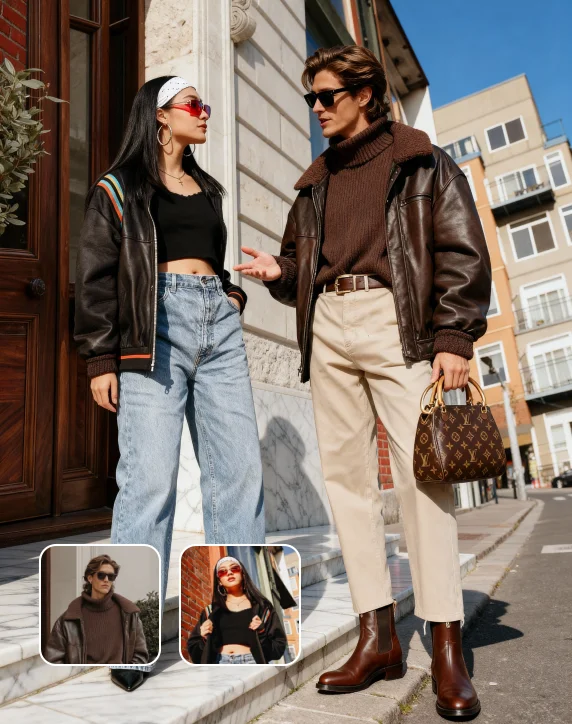
ImagineArt AI Image Combiner merges a person or product in an image to create a new combined image. It also merges the light, depth, and colors so it looks natural and unedited. No Photoshop, no designer, and no complicated steps!
How to Use AI Image Combiner to Merge Photos
Upload the Images to Combine
Add the two photos you want to merge into ImagineArt AI Image Combiner. Clear, well-lit images give the AI more to work with and produce a more natural final result.
Press Generate
Click Generate and let the AI do its thing. It analyzes the lighting, depth, color, and composition of both photos and finds the most natural way to fuse them into one seamless image. The whole process takes seconds.
Download the Final Merged Image
Your merged photo is ready to download in high quality. Use it for social media, e-commerce listings, etc, straight from the tool, no extra editing required.
Get High-Quality Instant Results With AI Image Combiner
ImagineArt AI Image Combiner reads both photos, figures out how the lighting and colors should interact, and merges them into a result that looks genuinely natural. Whether you are placing a person into a landscape, putting a subject into a branded environment, or fusing two scenes into one creative visual, the AI handles the technical side completely.
Get Started for Free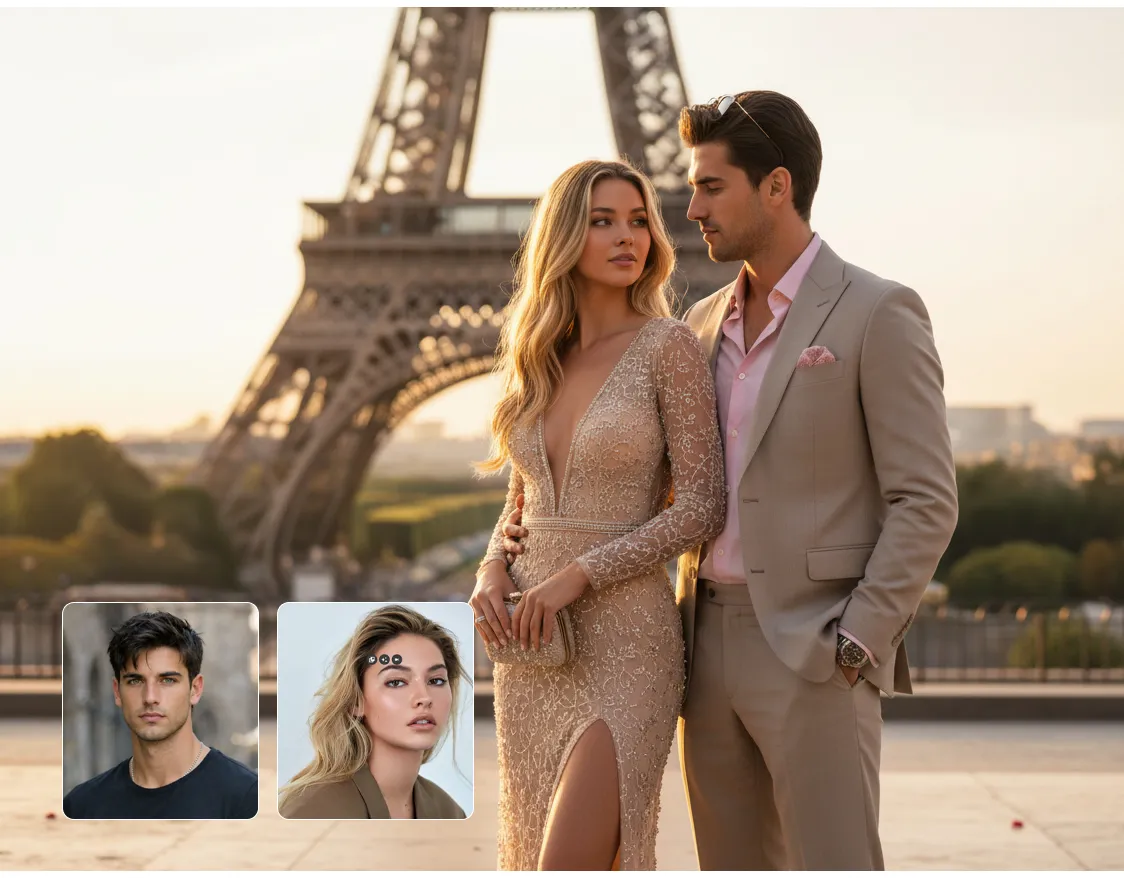
Get High-Quality Instant Results With AI Image Combiner
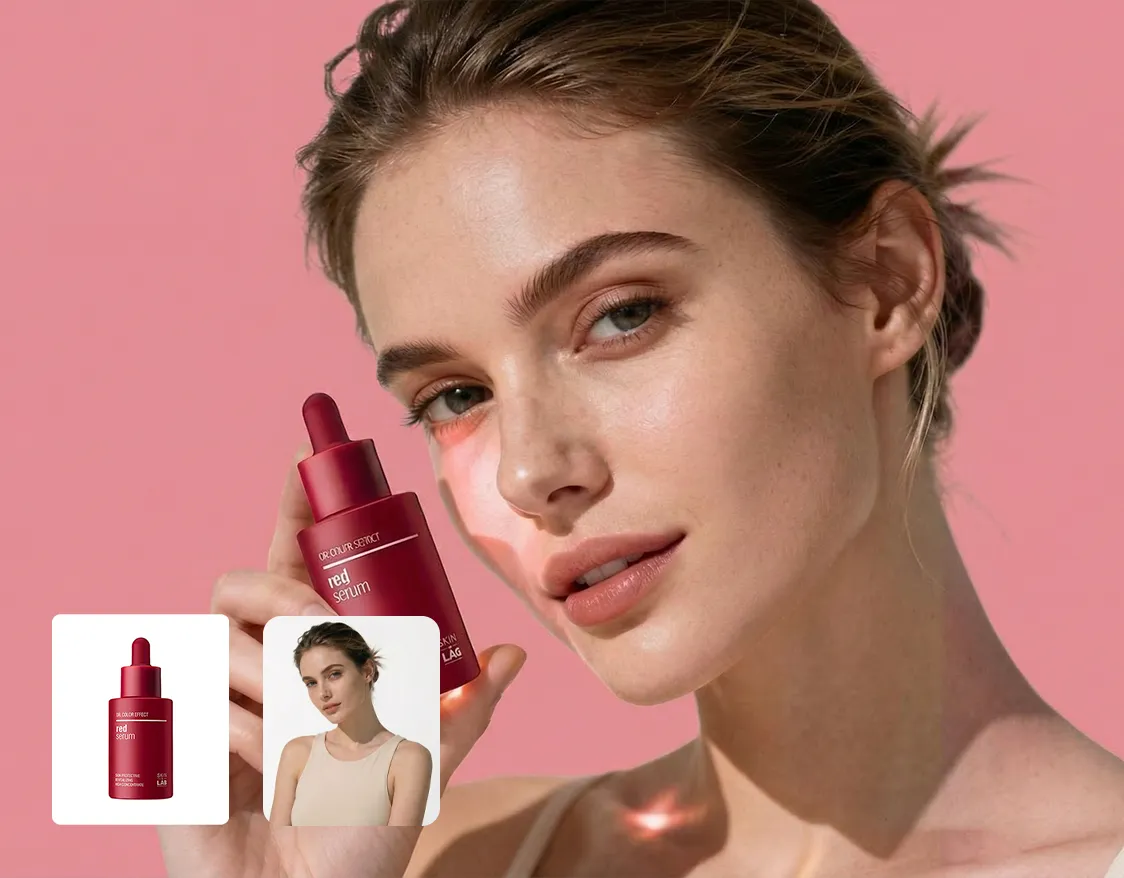
Merge Product Photos With Zero Design Skills
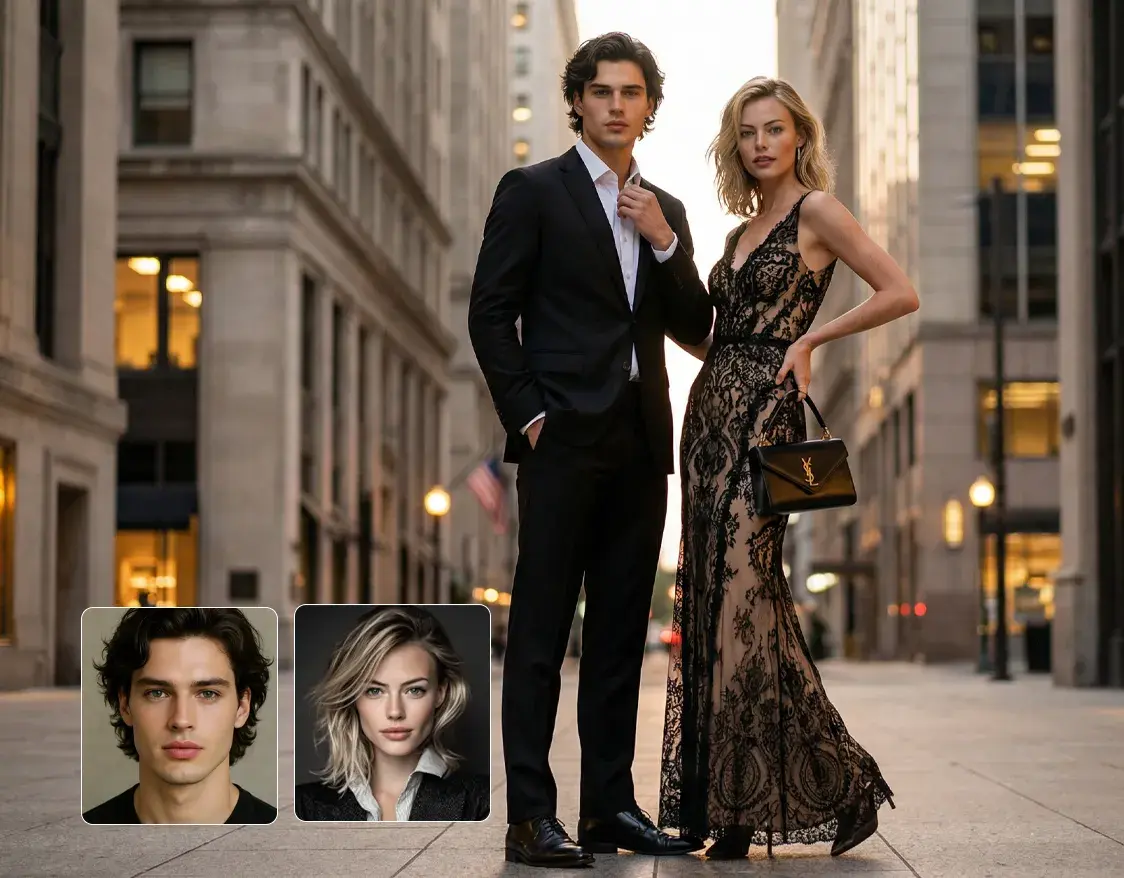
Produce Consistent Scroll-Stopping Content in Seconds








Trusted by Professionals and Creators from top Brands and Companies
Lets Hear ImagineArt Users Say
I used the ImagineArt AI Image Combiner for a personal project, putting travel photos together with family who couldn’t join the trip. The AI face swap and image blending made it look natural, and the lighting and shadows matched perfectly. I’m not a designer, so it was easy to create a realistic final photo without spending hours editing.

Anya Petrova

I tried ImagineArt AI Image Combiner for product branding, placing our new packaging into lifestyle backgrounds. The AI image combiner kept the colors and depth realistic, so the product didn’t look pasted on. It’s great for branding visuals and quick mockups without a full photo shoot.

Ben Harris

As a hobby, I’ve been using ImagineArt AI Image Combiner to create fun social media posts, mixing portraits and cityscapes. The AI face swap and image blending looked so natural that friends actually asked where the photos were taken. It’s a simple way to experiment with creative ideas.

Isabelle Kim

I also use ImagineArt AI Image Combiner for small business content, like ads and website banners. It lets me place clients or products into scenes fast, and the AI image combiner makes everything look seamless. Not a replacement for professional shoots, but perfect for quick visuals and testing concepts.

Michael Chenn

Frequently Asked Questions
ImagineArt analyzes the lighting, color, and depth of both uploads and blends them into a single, natural-looking image. This is not a side-by-side layout like a collage, but one unified scene.
Not at all. Upload two photos, hit generate, and the AI handles everything. No editing experience or software knowledge needed.
Yes. You can merge a product photo with any background and the AI places it naturally into the scene. It’s great for listings, catalogs, and social content without booking a shoot.
Portraits, landscapes, product shots, and lifestyle photos all work well. The AI adapts to the content of each image to produce the most natural merge possible.
Yes. You can merge photos online with ImagineArt for free with the 100 free credits you get when you sign up. No need to install anything and there is no hidden cost.
With ImagineArt AI Image combiner, most merges are done in seconds. Just upload your photos, hit generate, and your combined image is ready almost immediately.
ImagineArt Merge Images tool can support multiple file formats, such as JPG, PNG, and WEBP. So, no matter what file format you have, you can get merged images without the need to convert.
Yes. ImagineArt AI Image Combiner works on phones, tablets, and computers directly in your browser. Its online and no app download is required to use it.
Yes. The AI combine two images tool adjusts lighting, color balance, and shadows automatically so the two images blend into one realistic result.
Yes. Every image generated by AI image combiner, comes out in high quality and is ready to post on Instagram, TikTok, Facebook, or any other platform.
Yes. That is one of the most popular uses. Upload a portrait and a background, hit generate and the AI places the person into the new scene naturally.
ImagineArt AI Image Combiner handles that automatically, adjusting both images during the merge so the final result looks consistent and natural regardless of how different the originals are.