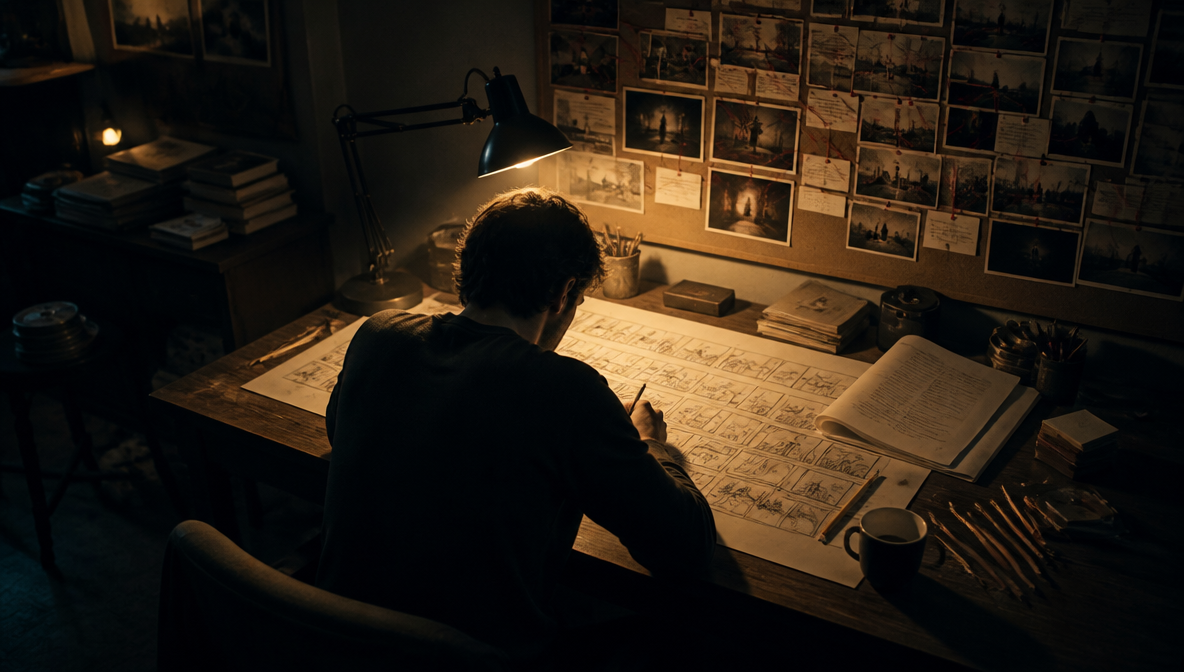
Remove Image Background in One Click For Free
ImagineArt's AI background remover deletes the background from any photo instantly - no brushes, no masks, no design skills required. Get a clean, transparent PNG in seconds, touch up stray edges, or swap in a new background entirely, all in one place.
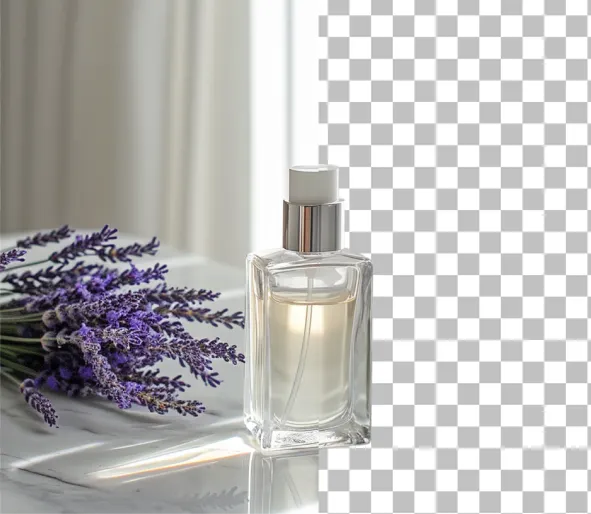
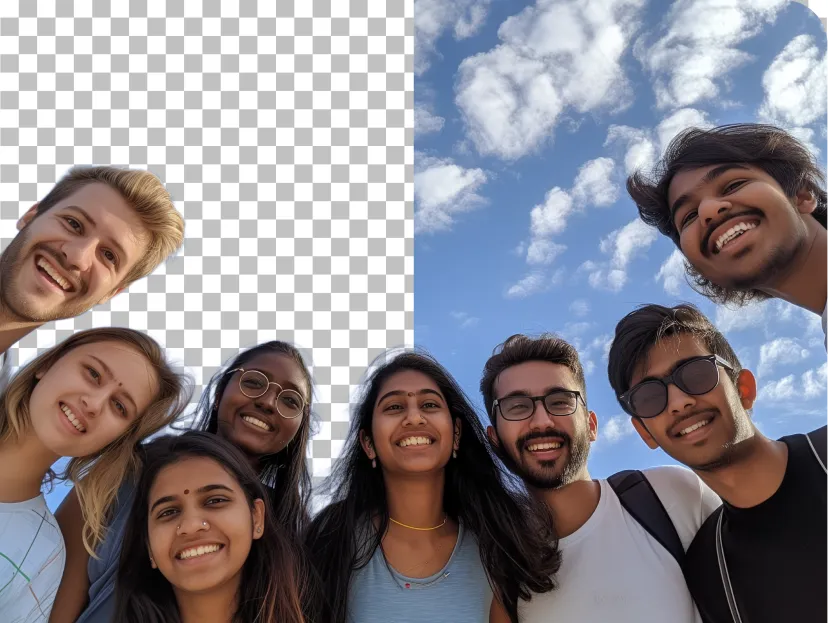
or drag and drop an image here
No picture on hand? Try with one of these
How to Remove a Background from Images?
Upload a Photo
Upload a JPEG, PNG, or WebP to the background removal tool or create one using the AI image generator. Use a photo with a well-defined subject and minimal background distractions.
AI background removal
Once the photo is uploaded, the AI background remover detects the background and isolates the subjects without requiring any manual selection
Download or edit
Download the image with a transparent background, save it as transparent PNG or refine it further with ImagineArt AI image editor.
See what people are saying about ImagineArt Image Background Remover
Learn what users say about ImagineArt AI background remover

“The player performs a powerful bicycle kick, body fully extended in the air, leg swinging powerfully to strike the ball, realistic football motion, dynamic stadium background, smooth cinematic movement”
“Okay, I have to talk about this. I’ve been using Imagine.Art for a few weeks now, and I’m seriously blown away. I wasn’t sure what to expect at first, but wow this platform is on a whole other level. Total 5 stars from me! First off, the website is super smooth and user-friendly. I didn’t need a manual or tutorial to get started. You just jump right in, type your idea, and boom amazing artwork appears like magic. It’s honestly addictive. I’ve spent hours just experimenting with different prompts and styles, and the results are so beautiful. The AI really gets your vibe. Whether I’m trying to create something dreamy and surreal or detailed and realistic, it nails it. I tried typing some pretty weird prompts too (just for fun), and somehow, it always comes up with something impressive. I’ve made posters, video thumbnails, and even a background for my phone! What I really love is how much control you get. You can tweak the styles, set different rendering modes, even control the lighting and details. It feels like collaborating with a really talented (and very patient!) artist who never says no 😂 Also, shoutout to their support team I had a small question about how to download in high-res, and they replied super quickly and were super helpful. You can tell there's a passionate team behind this. As for pricing totally fair, and honestly a bargain for what you get. Other apps charge more and give way less. Imagine.Art gives you pro-quality results that feel like they belong in an art gallery. It’s a great investment if you’re a creative person, a content creator, or just someone who loves art. One of my favorite things is browsing what other users create it’s so inspiring! The community is awesome, and the creativity here is next-level. To sum it up: Imagine.Art is the best AI art platform I’ve used so far. It’s powerful, fun, inspiring, and surprisingly easy to use. Whether you’re an artist or a total beginner, you’re going to love it. I’ve already recommended it to all my friends, and now I’m recommending it here too! Don’t think twice just try it. You’ll be hooked. 🎨✨”
“Easy to generate, everything you need its here avaiable. one clip and task is completed. I have explore the ImageArt only 10%. this platform got lot to discover. enjoying”
“The player performs a powerful bicycle kick, body fully extended in the air, leg swinging powerfully to strike the ball, realistic football motion, dynamic stadium background, smooth cinematic movement”
“I have tried quite a few AI image generators, and ImagineArt has quickly become one of my favourites. The image quality is consistently impressive, with detailed, creative, and highly accurate results from even simple prompts. The platform is easy to use, generates images quickly, and offers a great variety of styles and customisation options. One of the main ways I use ImagineArt is to create artwork for my YouTube music videos. I generate unique images and then animate them as visuals to accompany my music. The quality and creativity of the images make them perfect for this purpose, and they often require very little editing before I can use them in my projects. What stands out most is how well it understands complex prompts and turns ideas into stunning visuals with minimal effort. Whether you're creating concept art, character designs, content for social media, or visuals for videos, ImagineArt delivers excellent results. The regular updates and new features show that the team is actively improving the platform, and the overall experience feels polished and reliable. It's become an important part of my creative workflow, and I'd highly recommend it to anyone looking for a powerful and user-friendly AI image generation tool.”
“ImagineArt offers an impressive range of AI image generation styles and tools. The platform is intuitive and produces high-quality results across different creative styles. The support team is responsive and genuinely helpful. Would recommend to anyone looking for a versatile AI image tool.”
Remove the Background From Any Photo
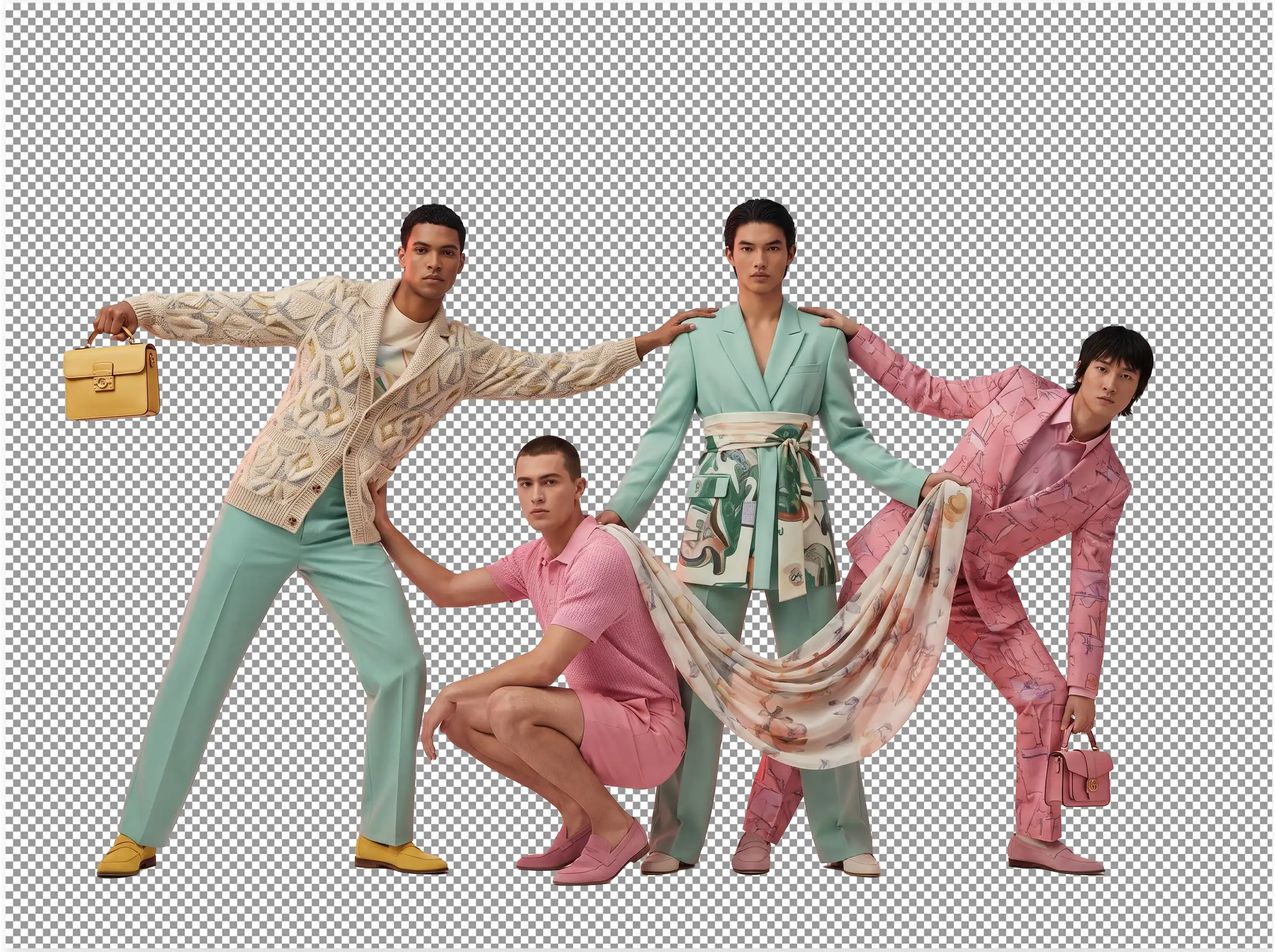
One background remover for every subject; people, products, animals, or cars. Upload any photo and get a clean, transparent cutout.
Remove the background from portraits and headshots while keeping hair and skin tone sharp.
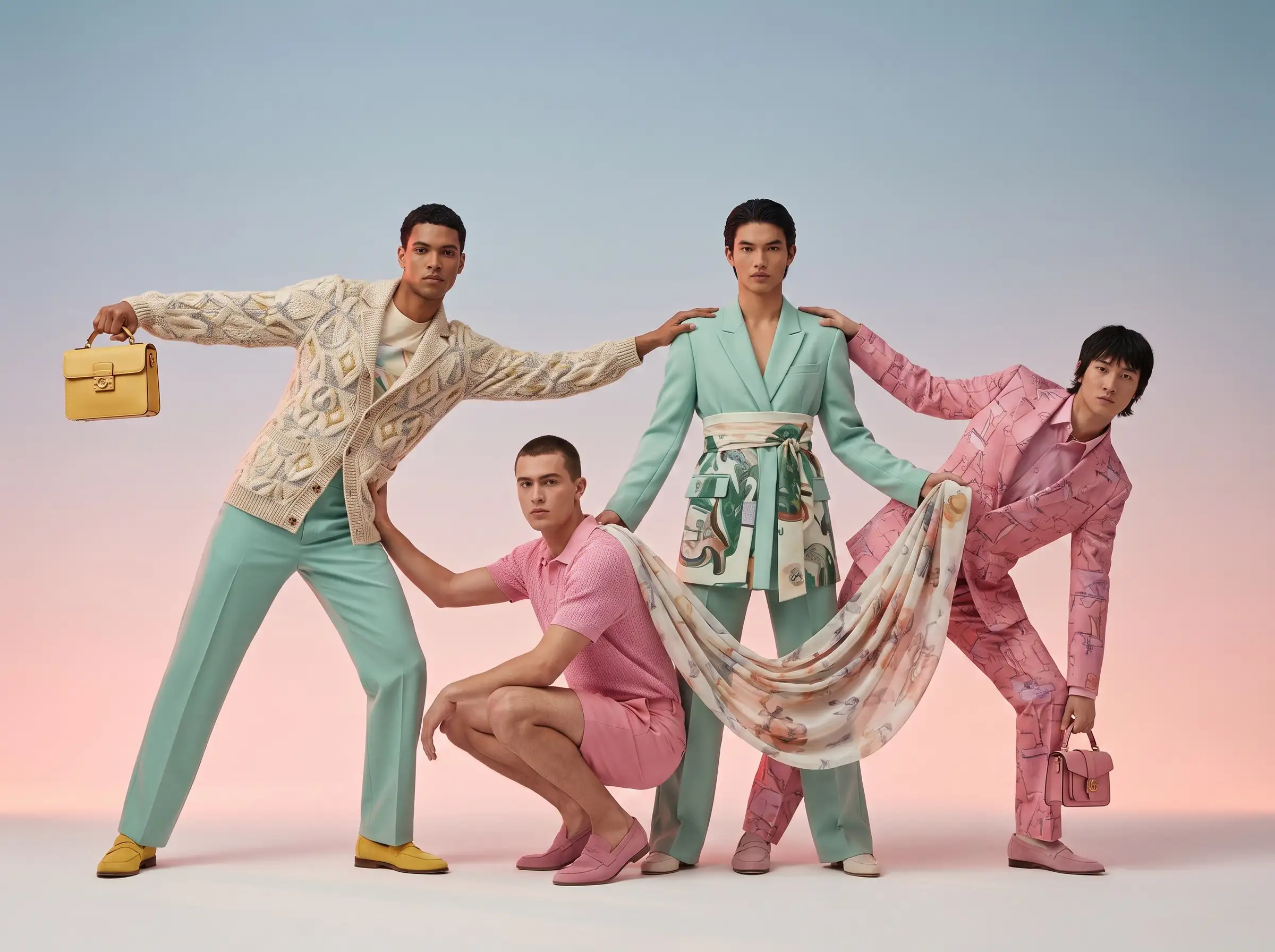
A Complete AI Image Editing Suite
Edit your transparent cutout and turn it into a publish-ready asset with ImagineArt
Relight
Match the lighting on your subject to whatever image background you swap in, so the final result doesn't look pasted together.
Camera Angles
Regenerate the same subject from a different angle if the original shot isn't quite right for the layout you need. Perfect for social media graphics and product photography.
Upscale
Improve the quality of your transparent image and push a cutout to print resolution or 4K when the original photo isn't big enough for the job.
Inpainting & Outpainting
Fix a damaged patch of the original image, or extend the canvas beyond the original frame after you delete the background.
Magic Text
Add on-brand text or graphics directly onto the transparent image without needing any separate design tool. Perfect for marketing visuals and ecommerce listings.
BrandKit
After AI background removal, apply your brand's colors, fonts, and logo automatically across every export, so a batch of product photos comes out consistent.
Everything You Can Do with ImagineArt Background Remover
AI Background Remover That Nails the Hard Edges
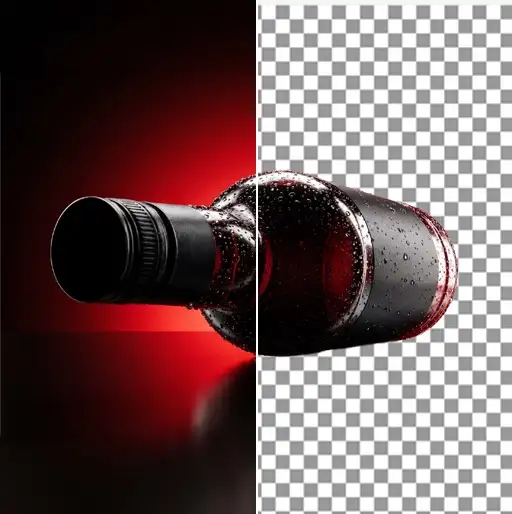
Most background removers flatten tricky edges such as hair strands, pet fur, glass with light passing through. ImagineArt's AI background remover maps every edge pixel by pixel instead of smoothing it away. Upload any photo, and it separates the subject automatically, no lasso tool or manual selection needed. Works the same for product photos, portraits, or pet photos, with no design skills required.
Remove Background From Photo in One Click
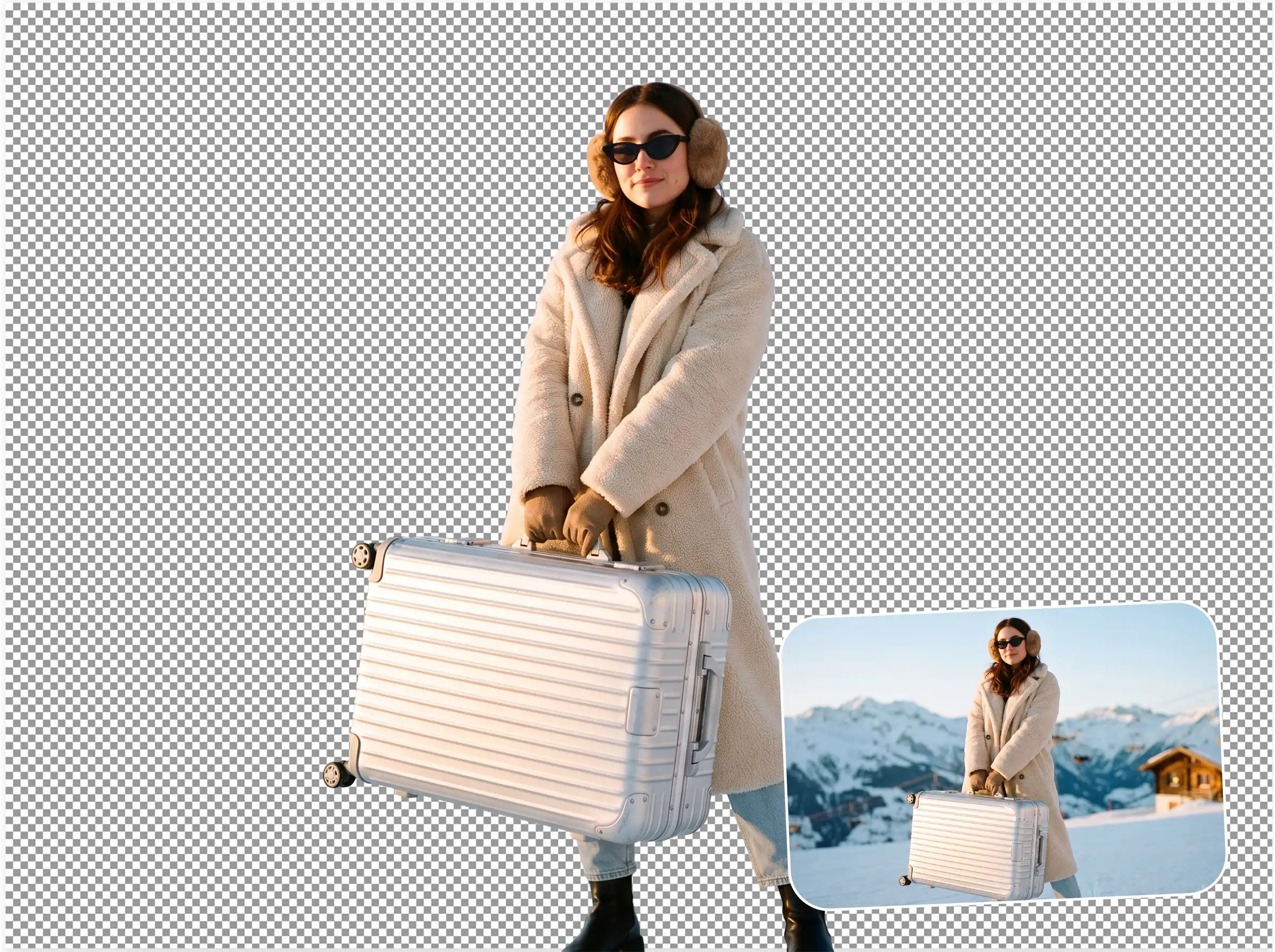
Remove background from photo instantly without brushing over edges, selection box, or render queue. Upload an image and the background is deleted the moment the upload finishes, ready to export or edit further. That speed adds up fast once you're batch-processing product photos or a set of headshots, or portraits for LinkedIn instead of manually cutting out each one by hand. No need to download design software, either.
Free & Easy To Use For Everyone
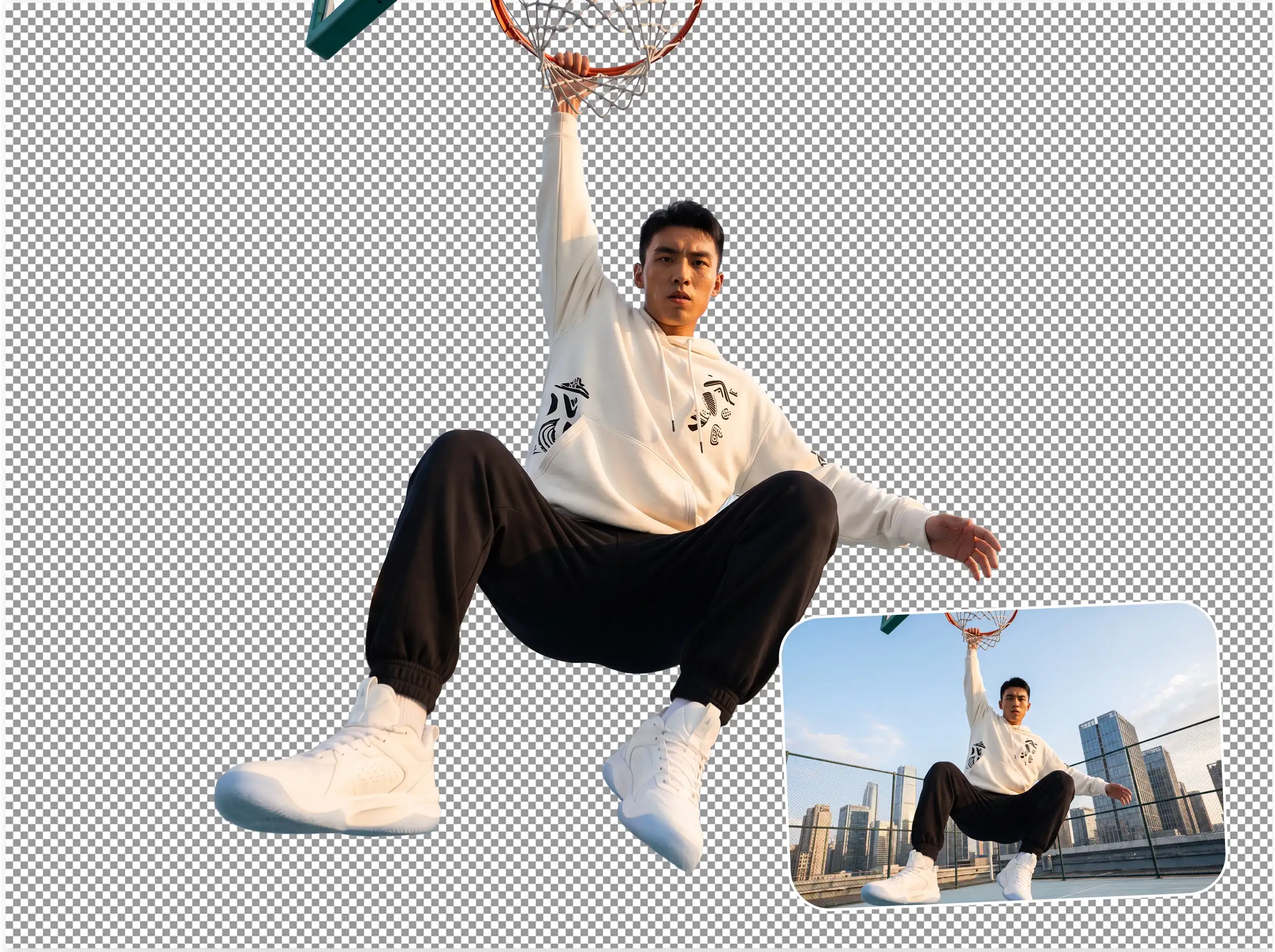
Start removing backgrounds immediately without downloads or sign-ups. ImagineArt background remover works directly in your browser on any device. The simple interface means anyone can create professional images in minutes. Try it free to see how easy background removal can be. Animate your transparent background images using the AI video generator. ImagineArt also works as a background remover app on mobile, open it in your phone's browser and remove backgrounds on the go, no install needed.
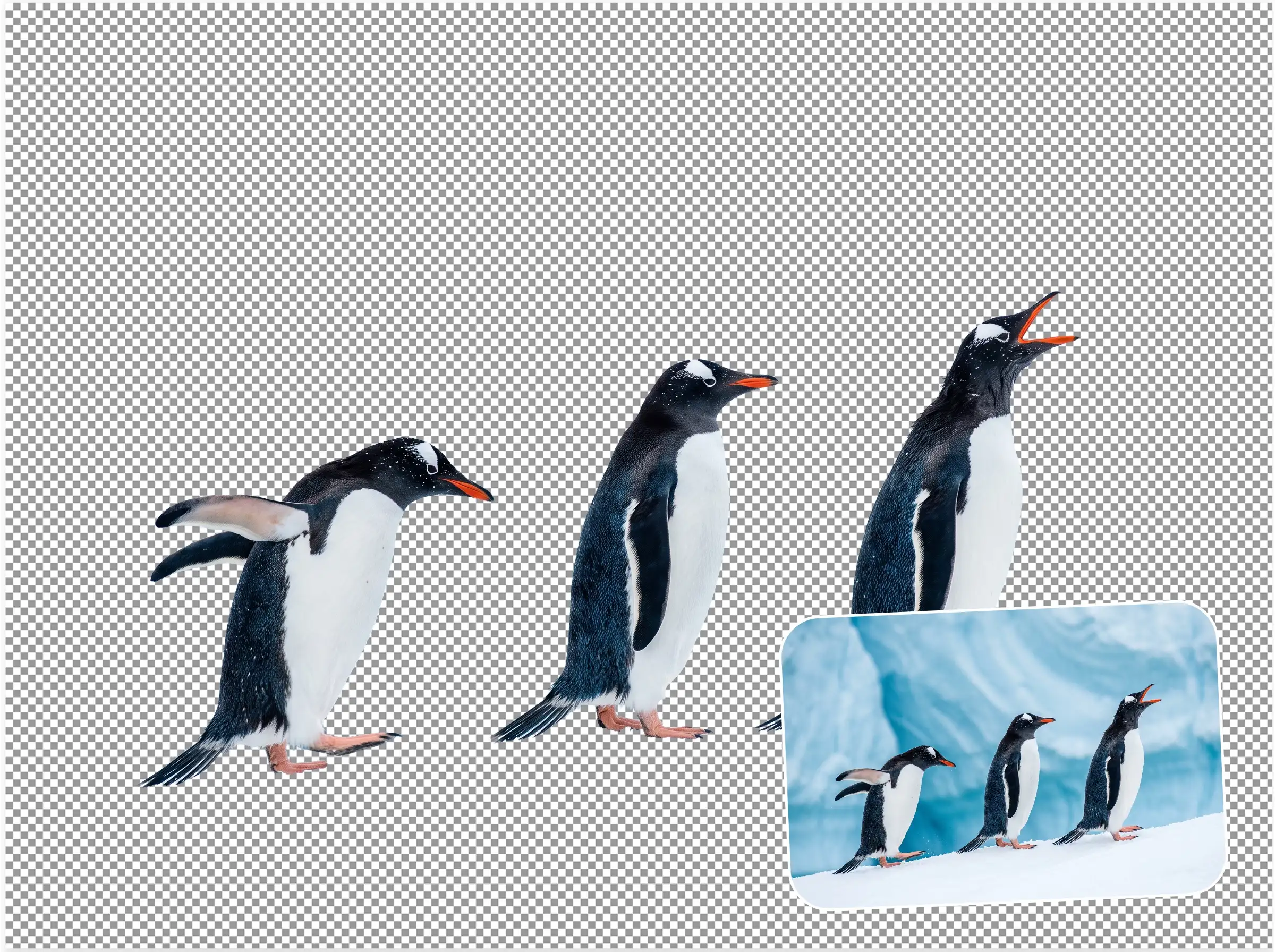
Remove Image Backgrounds Automatically Without Manual Editing
Maybe it was shot on a cluttered desk. Maybe the backdrop is the wrong colour. Maybe there's a shadow you can't get rid of. Whatever the reason, the subject is great and everything behind it isn't. Upload your photo and ImagineArt's AI background remover isolates your subject automatically. No selection tools, no manual tracing, no edge cleanup. You get a clean, transparent PNG back in seconds, ready to drop into Figma, Photoshop, Canva, or anywhere else you're working.
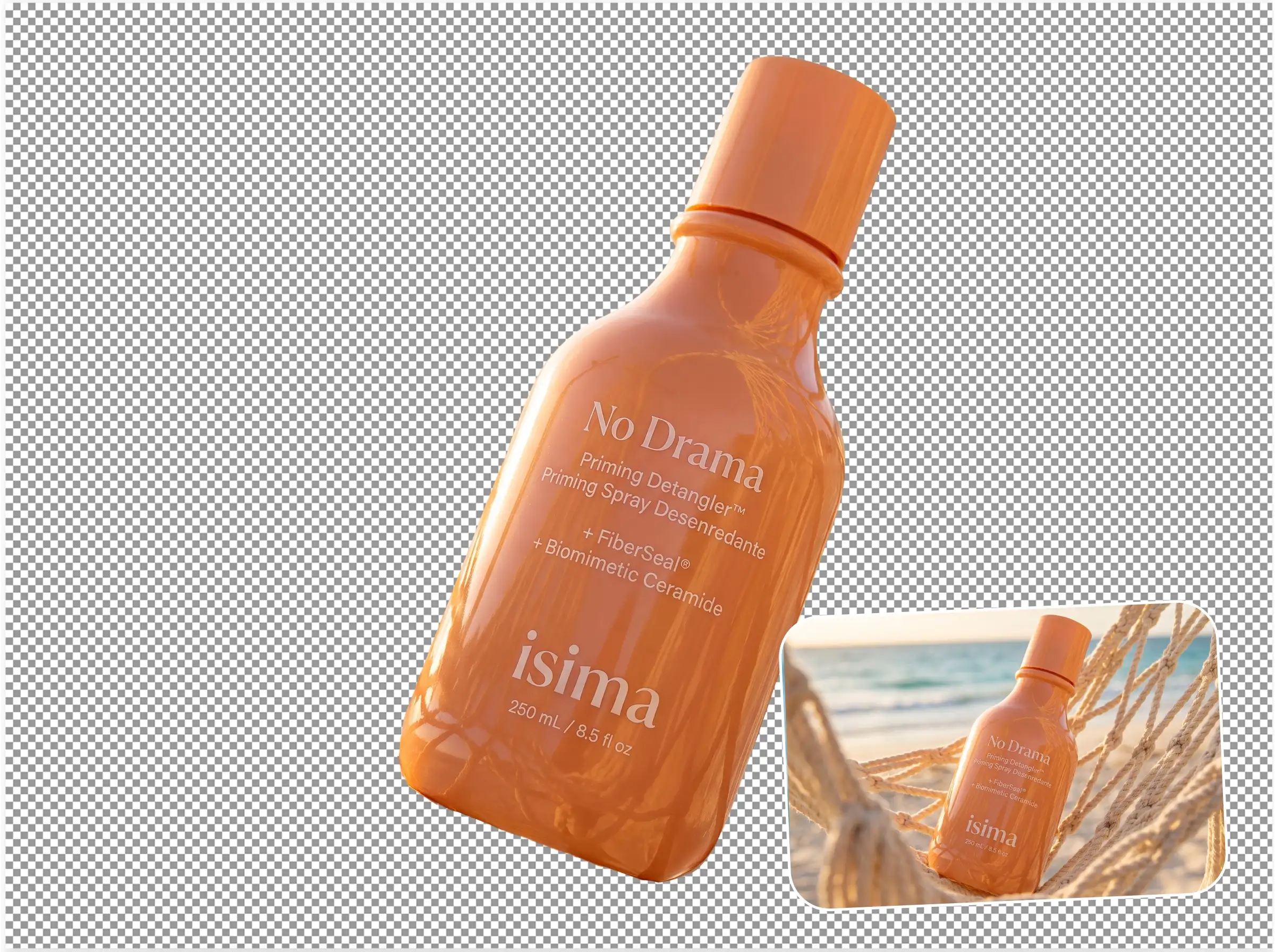
Clean White Backgrounds for Product Photos
Shoot your product on a table, on the floor, or against a wall? That's fine. Upload the image and ImagineArt removes the background in one click, then you can swap it for a clean white background, a solid colour, or keep it transparent. The result looks like a studio shot. Your listing goes live faster. And whether you have one product or a hundred SKUs to process, the quality stays consistent every single time.
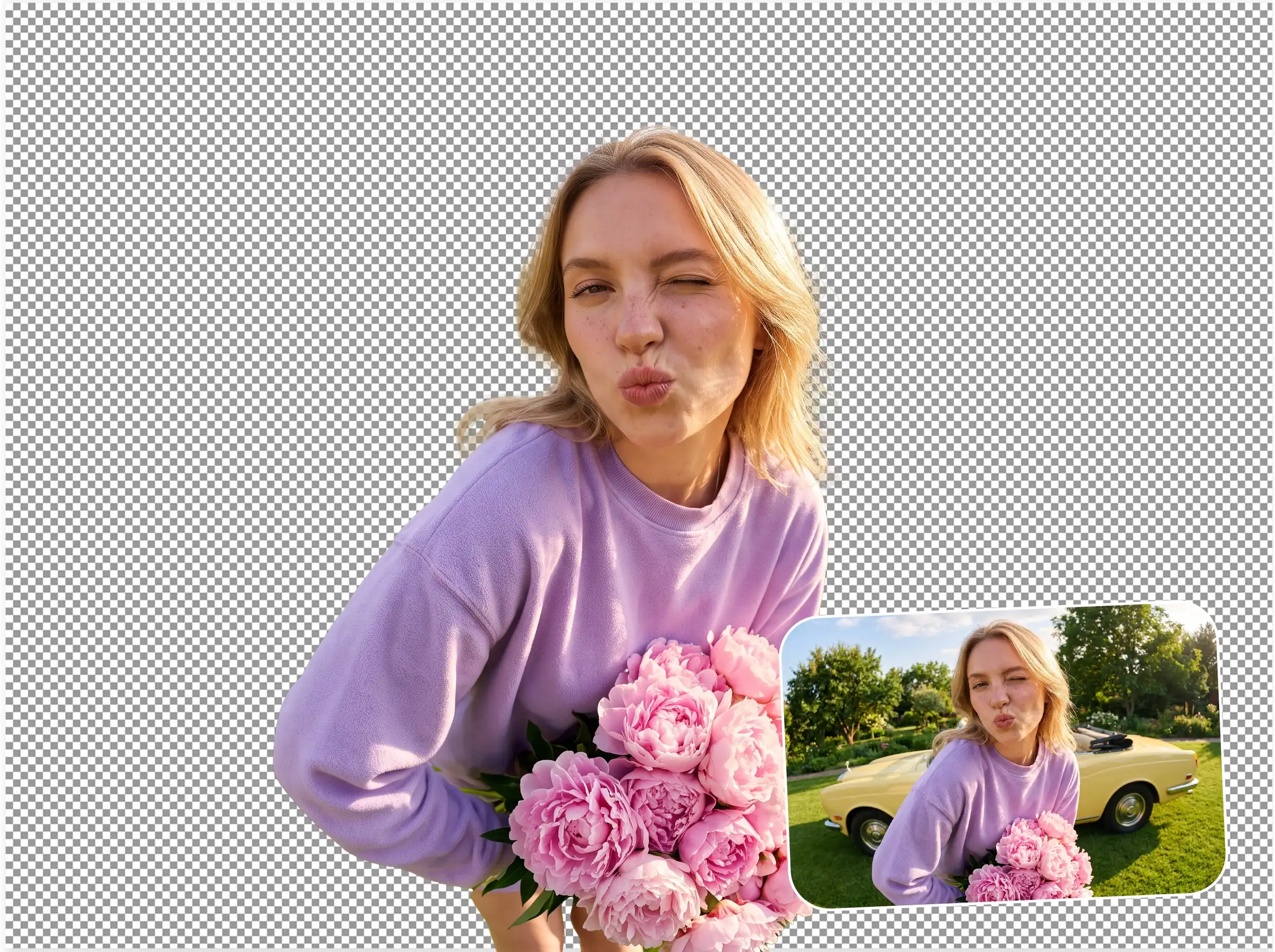
Remove Backgrounds From Multiple Images at Once
Processing a catalog manually means hours of repetitive work and inconsistent results across every image. ImagineArt handles the entire batch the same way it handles one, automatically, accurately, and fast. Upload your images, remove the backgrounds, and download the full set with consistent edges and clean cutouts across every file. No per-image effort. No quality drop at scale. Just your photos with backgrounds removed, all of them, done.
Have questions? We have answers!
A Complete AI Image Editing Suite
Edit your transparent cutout and turn it into a publish-ready asset with ImagineArt
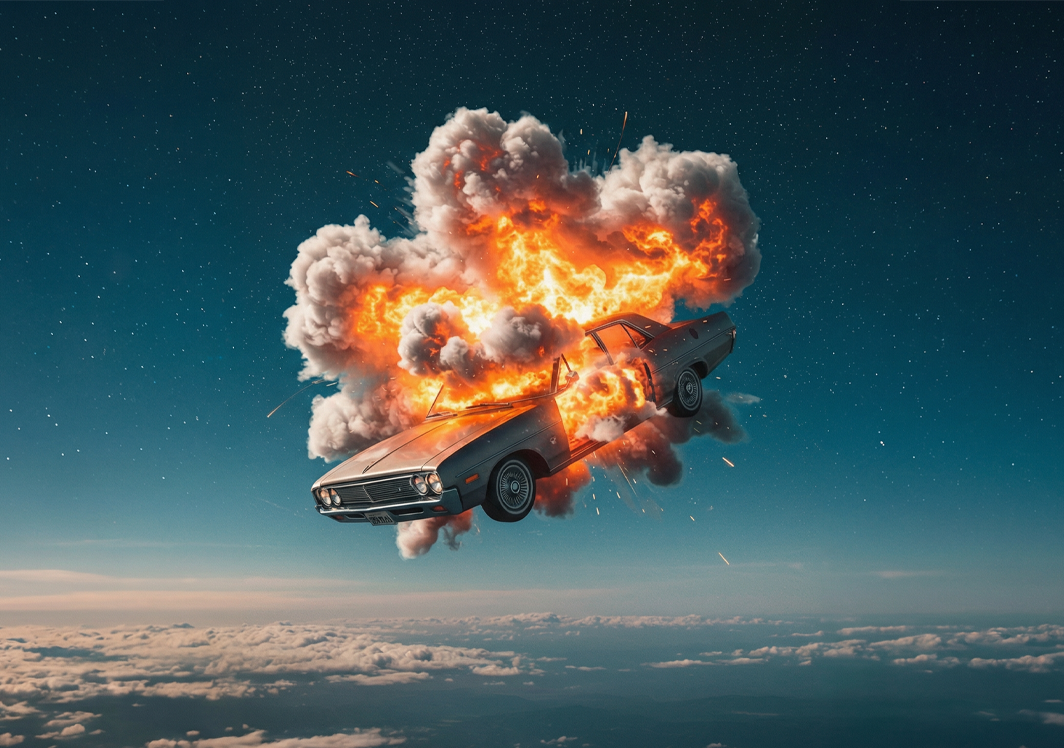
AI Image Generator
Create unique images from simple text prompts using advanced AI models.
AI Video Generator
Turn ideas or scripts into engaging videos automatically with AI.
AI Background Changer
Don't just erase background, replace it. Drop the transparent cutout onto a new scene, solid color, or branded backdrop without leaving the platform.
AI Image Editor
Edit photos easily with AI tools for background changes, enhancements, and visual improvements.