
Sameer Sohail
Tue Jun 03 2025 • Updated Fri May 08 2026
14 mins Read
At Google I/O 2025, Google introduced Flow, an innovative AI filmmaking tool designed to empower creators to produce cinematic-quality videos using simple text prompts.
Google's advanced AI models, including Veo 3.1, Nano Banana Pro, Imagen 4, and Gemini, are seamlessly integrated into Flow. This enables users to craft detailed scenes with characters, dialogue, and dynamic camera movements without the need for traditional filmmaking expertise.
This groundbreaking tool is democratizing the filmmaking process, while offering a faster, more efficient, and accessible alternative to traditional methods. Say goodbye to needing a large production team, expensive equipment, or complex software.
What Is Google Flow?
Flow is a cutting-edge AI-powered video creation platform that transforms textual descriptions into cinematic video clips. By leveraging Google's state-of-the-art AI models, Flow allows users to generate videos that include realistic visuals, synchronized audio, and engaging narratives.
This tool is particularly beneficial for filmmakers, content creators, storytellers, and educators seeking to visualize concepts quickly and efficiently, without the typical constraints of time, money, and expertise.
The beauty of Google Flow lies in its simplicity. It breaks down the complexities of video production, enabling users to create professional-quality content simply by describing their ideas in natural language.
Google Flow comes with free daily credits:
- New users: Start with 100 initial credits.
- Daily refill: Get 50 free credits every single day.
- No rollover: Credits reset daily.
Core Components of Flow
1. Google Veo 3.1
Veo 3.1 is Google DeepMind’s latest AI video generation model, creating high-quality videos from simple text prompts, start and end frames, and reference images. With an ability to capture the textural details, motion dynamics, stronger prompt adherence, and improved realism, Veo 3.1 enables users to craft videos that look professionally produced.
When accessed through Google Flow, Veo 3.1 allows users to generate intricate video sequences with multi-modal input. A user can provide a basic text prompt, upload up to three reference images (such as characters, scenes, or objects), or keyframe visuals to generate coherent, consistent visuals. Veo 3.1 will generate a full video sequence with synchronized dialogues, background music, and sound effects.
Veo 3.1 even allows users to edit scenes in real-time, with features to insert and remove objects, giving access to professional-grade video editing at the fingertips of any user.
2. Nano Banana Pro
Nano Banana Pro offers major advancements in AI image generation. The AI image model can generate hyperrealistic images, with improved text rendering, textural detailing, contextual understanding, and real-world knowledge. It can render and incorporate stylistically diverse typography with accuracy, enabling users to create fact-based infographics, recipes, diagrams, and mathematical solutions.
The improved semantic interpretation allows for accurate instruction-based edits, with a thorough understanding of spatial relationships and subject-object interaction. The AI image generator gives you extensive control over the camera logic, physics, and image composition. Users can alter styles, tweak color grading, or shift focus, without losing image integrity. It supports up to 14 reference images, enabling users to merge diverse and multi-style elements into a single cohesive visual. It also supports multiple aspect ratios, including 16:9, 1:1, 3:4, 9:16, and 4:3.
The AI image model features multi-lingual capabilities and can detect, analyze, and translate text into any language while preserving the layout, visual style, and elements. It supports up to 4K image resolution, with a generation speed of up to10 to 15 seconds for complicated prompts.
3. Nano Banana 2
Nano Banana 2 is Google’s next-generation AI image model that combines faster generation speed with higher visual fidelity. Based on Gemini 3.1 model, it allows creators to generate production-ready visuals quickly while maintaining precision and rich detail. The model excels at subject consistency, supporting up to five characters and 14 objects in the single workflow, and includes advanced text rendering and translation, making it ideal for marketing materials, posters, infographics, and social media content. With improved instruction following, Nano Banana 2 ensures that complex prompts are executed accurately, delivering outputs that closely match user intent.
Beyond speed and quality, Nano Banana 2 is available across all Google products including the Gemini app, Google Lens, Google Ads, and Vertex AI. It offers flexible resolution control, from 512px to 4K, and supports creative experimentation, storytelling, and production workflows. By combining real-world knowledge, AI motion grounding, and precise visual control, Nano Banana 2 empowers creators, marketers, and developers to produce consistent, engaging, and scroll-stopping visuals across multiple platforms and use cases. It is available for zero credits to all Flow users.
4. Google Veo 3.1 Lite
With Veo 3.1 Lite, Google Flow delivers a powerful balance of speed, quality, and affordability—making it an ideal choice for creators who need to iterate quickly without sacrificing output. Designed to be highly cost-efficient, it’s priced at less than half the cost of the Veo 3.1 Fast model (starting at roughly $0.05 per second), allowing you to generate more content at scale. Its low-latency performance ensures rapid generation speeds, making it perfect for prototyping, experimentation, and high-volume production workflows.
Veo 3.1 Lite supports both text-to-video, ingredients-to-video, and image-to-video generation, with flexible clip durations ranging from 4 to 8 seconds—great for storyboarding and quick creative testing. You can produce videos in 720p or 1080p resolution, with native support for both landscape (16:9) and portrait (9:16) formats, so your content is ready for any platform. Despite its lightweight design, it maintains high visual quality with improved temporal consistency, delivering smooth, realistic motion and better object persistence across frames. It also includes native audio generation, enabling synchronized dialogue and sound effects directly within your videos.
Google Flow has introduced a new “Veo 3.1 – Lite [Lower Priority]” option that runs at zero credits. It joins the existing lower-priority Fast option, giving users more flexibility for lightweight experimentation. On May 10th 2026, the “Veo 3.1 – Fast [Lower Priority]” option will be retired and replaced by Lite, while the standard Veo 3.1 Fast model remains unchanged in both availability and pricing.
For Google Flow users, this model has the following pricing breakdown:
- 10 credits/generation in Free, Plus, and Pro plans.
- 5 credits/generation in the Ultra plan.
5. Imagen 4: Enhanced Image Generation
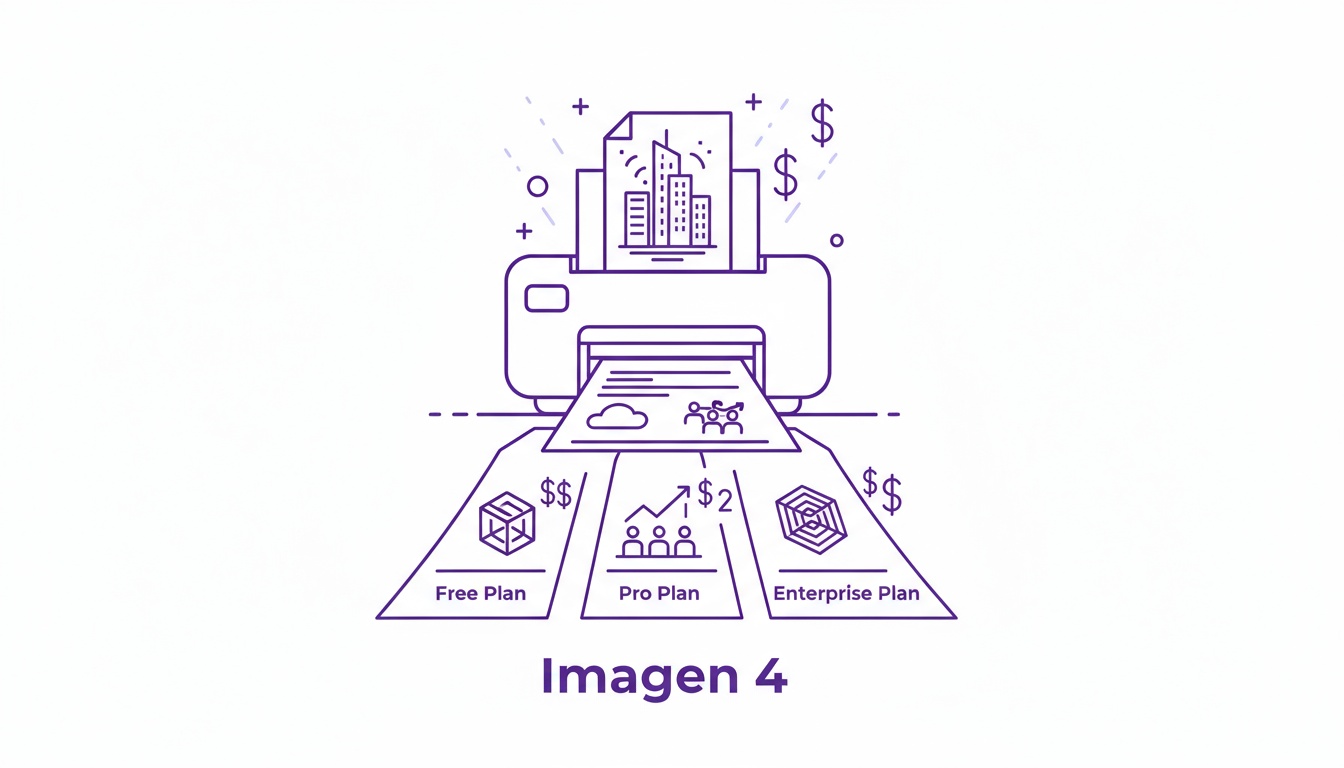
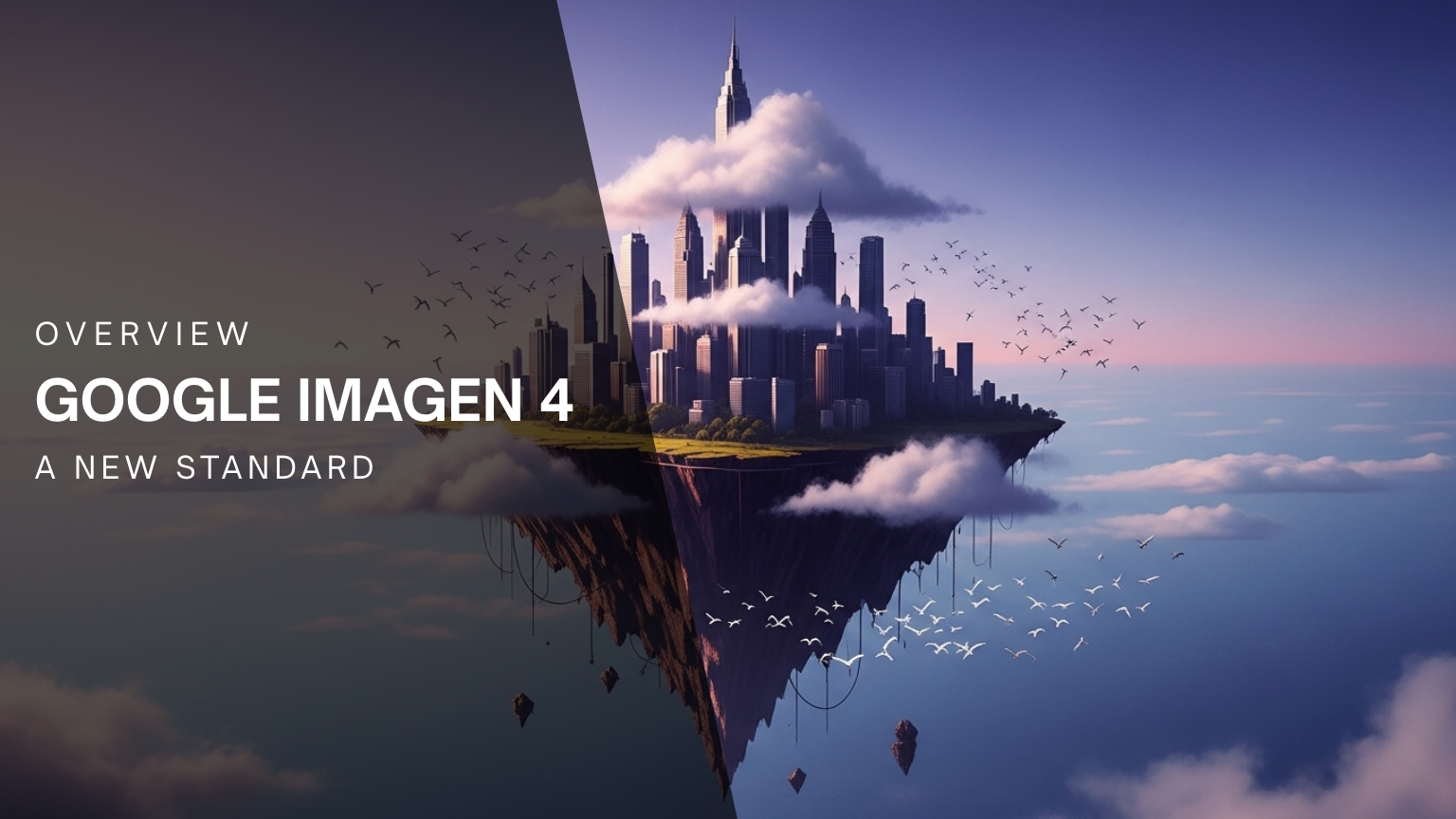
Imagen 4 enhances Flow’s ability to generate realistic images from text descriptions. Users can create lifelike characters, environments, and objects that remain consistent across different scenes, ensuring a cohesive visual narrative. This is particularly important for projects that require multiple shots or locations, as it ensures the continuity of visuals throughout the video.
Imagen 4's capabilities extend beyond basic image generation, enabling the production of highly detailed and contextually accurate visuals. This makes it ideal for creating environments such as futuristic cities, historical settings, or fantastical landscapes that would otherwise be difficult or expensive to replicate in traditional filmmaking.
6. Gemini: Natural Language Processing LLM
Gemini powers the natural language processing (NLP) capabilities of Flow, so users can interact with the platform using simple, everyday language. It is the flagship Large Language Model (LLM) of Google, on par with the likes of ChatGPT and Claude.
Gemini’s integration into Google Flow means that the entire creative workflow becomes even easier because now you have a super handy AI assistant at your disposal which can communicate in perfectly natural language.
This makes Flow accessible to anyone, even those without prior experience in video production or AI technology. With Gemini, users can input detailed scene descriptions and refine their prompts, including dialogues, camera movements, and background sounds, and Flow will then generate a realistic video based on those instructions.
Key Features of Flow
1. Scene Builder
The Scene Builder is a feature that allows users to “stitch together” multiple video clips into a cohesive sequence. This tool ensures smooth transitions, maintains consistent character appearances, and enables dynamic camera movements, allowing creators to piece together a video narrative from different scenes.
Scene Builder is essential for users working on more complex projects, such as short films or commercial advertisements. It enables them to have complete control over the flow of the video, adjusting timing, pacing, and transitions to create the perfect narrative.
2. Expand
Google Flow offers video ‘Expand’ features that intelligently extend the scenes of a video and seamlessly blend new frames. Instead of stretching out the visual, this feature generates new frames/scenes by inferring the context and maintaining the existing style and consistency.
In AI video generation, this feature predicts and creates new visuals with motion continuity, ensuring believability and seamless transitions. Users can even repurpose the old footage to a different aspect ratio without cropping andmaintaining the storyline and composition.
3. Object Removal
Flow comes with a new feature that allows users to eliminate unnecessary elements from any video by clicking on the‘pencil’ icon. Users can simply draw a mask around the elements they want to remove or write a single-sentence prompt for more accurate outputs. This feature works best when the selected object is static and clearly visible in the scene/frame.
4. Camera Controls
One of the most powerful features in Flow is its advanced camera controls. These controls allow users to manipulate camera angles, zoom levels, and movement paths, which enhances the cinematic quality of the generated videos. Whether you're filming an intense close-up shot or a wide-angle landscape, Flow's camera controls give users the tools to craft professional-grade visuals.
These controls are intuitive and user-friendly, providing creators with flexibility and precision when composing their shots. The ability to adjust camera movements and angles in a virtual environment makes it easier for users to experiment with different visual styles and techniques, improving the overall quality of their work.
5. Asset Management
Flow’s asset management system is designed to help users organize and reuse characters, environments, and other elements across different projects. This functionality is invaluable for creators who want to maintain consistency across multiple videos or projects. It allows users to easily store and retrieve assets such as character models, props, and backgrounds, making it more efficient to work on large-scale productions.
With Flow's asset management features, creators can build a personal library of assets that they can use for future videos. This streamlines the creative process, saving time and effort in asset creation and management.
6. Flow TV
Flow TV is an integrated showcase within the platform that displays a variety of clips and channels created using Flow. It serves both as a source of inspiration and a learning tool, providing users with examples of effective prompts and techniques that can improve their own video creation skills.
For new users or those seeking creative direction, Flow TV offers a valuable resource for learning how to get the most out of the platform. It helps users understand the full range of capabilities and provides examples of the kinds of videos that Flow can generate, giving them ideas for their own projects.
7. Share Your Creations with Ease
Collaboration just got simpler. With Google Flow, you can now share your creations along with the exact prompts and assets that brought them to life, making it easier than ever to showcase your process or collaborate with others. To share your work:
- Right-click on any media within Flow
- Select “Share” to generate a shareable link
- Choose whether to include prompts and input assets
That’s it—your work is ready to be viewed, explored, and built upon.
8. Voice Ingredients
Google Flow is expanding creative control with Experimental Voice Ingredients, now available for Ultra users. Since voice plays a crucial role in character consistency, this new feature lets you pair a distinct voice with your visual inputs—adding a whole new layer of realism and storytelling depth.
Getting started is simple. First, select Veo 3.1 Fast and enable Ingredients from the settings menu. Next, add an image ingredient of your character or subject as usual. Then, head to the new Voice Ingredients panel and choose from a curated selection of voices—each with a preview option so you can find the perfect match.
To get the most out of this feature, keep in mind a few key details: you’ll still need at least one image ingredient to ground the generation, and you can enhance results by adding prompt instructions for tone, emotion, and intonation. For best performance, use reference images that focus on a single character or speaker. Also note that Voice Ingredients won’t carry over when using the “Extend” feature. As of now, it supports only one voice reference and is limited to video generations that use ingredients. For all other kinds of generations, you’ll get an error.
9. Inline Scrubbing
Flow now makes browsing video generations faster with Inline Scrubbing. Simply hover over any video tile and drag the playhead to quickly scan through clips directly from the grid—no need to open each video individually. It’s a faster way to review ideas, compare outputs, and find the perfect moment instantly.
10. Archive
Managing large creative projects is now easier with the new Archive feature. Right-click any item to move it into your project’s archive folder, helping you reduce clutter while still keeping older concepts and “save for later” ideas accessible. Archived items can be found anytime from the bottom-left corner of your workspace.
11. Work Faster with New Keyboard Shortcuts
Flow now supports a growing set of Keyboard Shortcuts to speed up navigation and editing. Copy, paste, and delete work just as expected, while arrow keys let you move through elements with precision. Press Escape to exit menus or deselect items, use “+” and “-” to resize grid tiles, and hit “/” to jump directly to search. More shortcuts are coming soon to make creation even smoother.
Accessing Flow
Flow is available through Google's AI subscription plans:
Without Google AI subscription plan: The free plan includes 100 credits, with 50 daily credits. It allows access to Nano Banana Pro, Veo 3.1, with text-to-video, frame-to-video, and ingredients-to-video generation. This plan includes features such as video extension, scenebuilder, and 2K upscaling.
Google AI Pro: Offers access to Flow with Veo 3.1 and Nano Banana Pro and 1000 monthly credits, providing users with the essential tools for AI video creation, including video extenson, object insertion/removal, ingredients-to-video, top-up credits, and 1080 upscaling. This plan costs around $19.99 and $0/month for the first month.
Google AI Ultra: Grants users the highest usage limits with 25000 monthly credits, early access to Veo 3.1 with native audio generation, and advanced features such as Veo 3.1 Fast generatio for 10 credits, Gemini pp with 3 Pro Deep Think, 4K image and video upscaling, and enhanced camera controls. This plan is ideal for professional filmmakers or businesses requiring high-quality, large-scale video production. This plan costs around $249.99 and $124.99/month for first three months.
These plans are currently available across 149+ regions with difference in product feature availability by country of use.
If you would still like to access Google’s Veo 3.1 and Nano Banana Pro AI models outside of those subscriptions, you can do so through a third-party platform like ImagineArt.
Real-World Applications
1. Independent Filmmaking
Independent filmmakers are increasingly turning to AI-powered tools like Flow to create high-quality video content without the need for expensive equipment or large production teams. Flow simplifies the filmmaking process by allowing filmmakers to generate high-quality videos with minimal input.
Whether it’s a short film, a music video, or a narrative sequence, Flow provides filmmakers with the flexibility and tools to realize their creative vision on a budget. Independent filmmakers can also experiment with various genres, from sci-fi to fantasy, creating elaborate sets and characters without worrying about physical constraints. This opens up new possibilities for storytelling, especially for those working with limited resources.
2. Content Creation for Social Media
Flow allows influencers, marketers, and content creators to quickly produce videos tailored to specific trends or themes, capturing their audience's attention with compelling visuals and narratives.
For example, a marketer could input a text prompt describing a product launch and generate a professional-quality promotional video to share on social media in just a few minutes. Flow's ability to produce high-quality videos in record time enables social media content creators to stay ahead of trends and maintain engagement with their audience.
3. Educational Materials
Flow is also a powerful tool for educators who want to create dynamic instructional videos. By visualizing complex concepts through video, teachers can help students better understand difficult material. For example, Flow could generate videos explaining scientific phenomena, historical events, or mathematical concepts, providing a more engaging and immersive learning experience.
Educational content creators can use Flow to generate videos for online courses, workshops, and tutorials. The ability to quickly create video content that explains abstract concepts or provides step-by-step guidance can enhance the learning experience for students of all ages.
4. Corporate Training and Internal Communications
Flow can be leveraged by organizations for corporate training and internal communications. Companies can use the platform to create training videos, onboarding materials, and internal communication content that clearly conveys essential information to employees.
These videos can cover a wide range of topics, from compliance training to product demonstrations, ensuring that employees are equipped with the knowledge they need to perform their roles effectively.
5. Marketing and Advertising
Marketing and advertising agencies can take advantage of Flow’s capabilities to generate compelling video ads for brands. Whether for television commercials, YouTube ads, or social media campaigns, Flow allows marketers to quickly create engaging and high-quality video content.
The ability to test different video versions based on different creative directions helps marketers refine their campaigns and deliver targeted content to their audience.
6. Virtual Events and Conferences
With the rise of virtual events, Flow offers event organizers a way to create high-quality videos that promote and enhance their events. Whether it's creating teaser videos, event highlights, or post-event recaps, Flow can generate content that captivates attendees and attracts future participants.
Future Prospects
As AI technology continues to evolve, Flow is poised to incorporate even more advanced features. Potential developments include longer video durations, interactive elements, and greater customization options, further expanding the possibilities for AI-driven video creation.
We may also see the integration of real-time video editing, allowing creators to make adjustments to videos as they are being generated.
Conclusion
Google Flow is an AI-powered video tool that makes cinematic-quality production fast and accessible. With advanced models and a user-friendly interface, it empowers creators across industries to bring ideas to life effortlessly. From education to marketing, Flow is reshaping how professional videos are made — quickly, easily, and affordably.
If Flow is not available in your region, you can access an alternative like ImagineArt's AI video generator to experience a wide variety of powerful AI models including Google Veo 3.1 and Veo 3.1 Lite, at a much more reasonable price!
Sameer Sohail
Sameer Sohail specializes in content marketing for GenAI and SaaS companies, helping them grow with strong writing and strategy.