AI Video Editor
ImagineArt's AI video editor lets you edit videos with text-based prompts instead of a timeline, extend video duration, modify video style, change scenes, swap or remove objects, and sync new dialogue and sound, all from a single browser tab, free to start, with no manual masking, layering, or prior editing experience required.
Trusted by Professionals and Creators from leading brands and companies
Community Creations
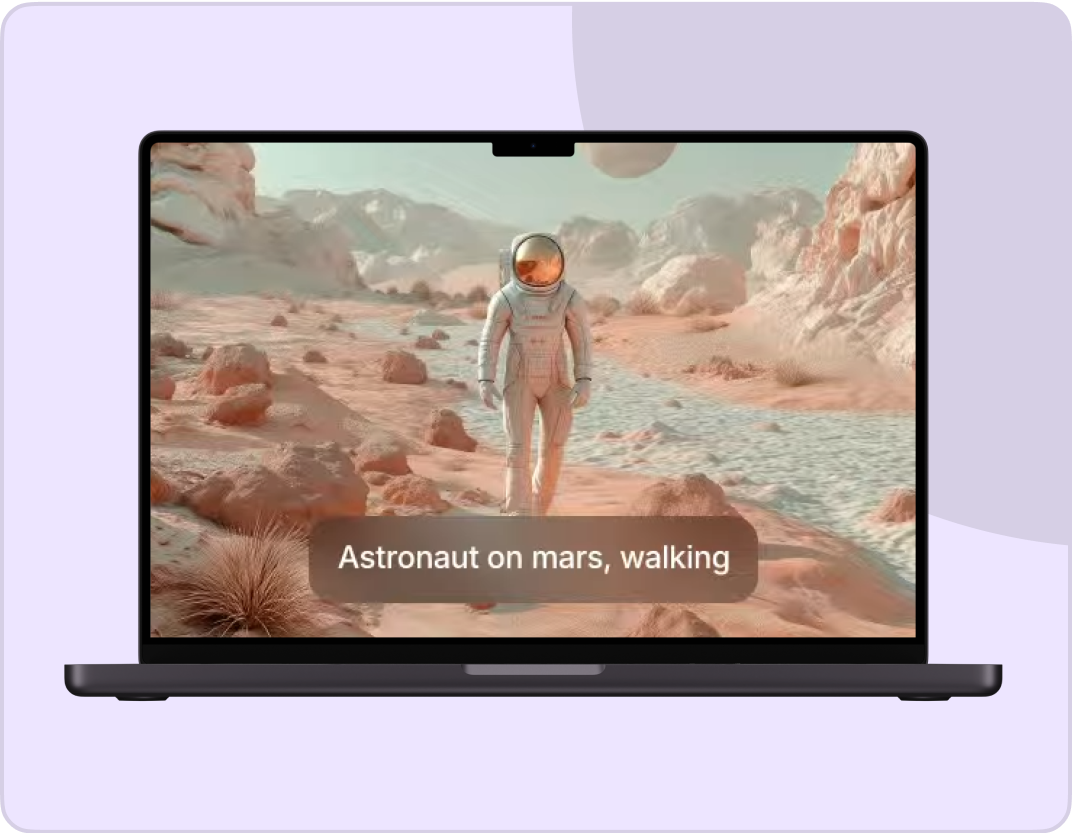
Write your ideas and see them come to life. Just enter a text prompt along with an optional reference image or video, select your styles & effects, and watch the AI Video Editor work its magic!
Prompt:
A knight in full armor rides a white horse, sword raised, through a dramatic, motion-blurred landscape with fiery orange and dark, cloudy skies.
Prompt:
Dynamic shot of a motocross rider mid-air during a jump, with dirt flying and the sun backlighting the action, conveying speed and excitement.
Prompt:
Blue sports car driving on a snow-covered landscape with ice formations under a bright sun, creating tire tracks in the snow.
Prompt:
Man skateboarding downhill on mountain road with blurred motion, capturing freedom and adventure in scenic landscape.
Prompt:
A person hikes up a rocky mountain trail in foggy, overcast weather, wearing a backpack and warm outdoor gear.
Prompt & Edit Videos in Few Seconds
No manual masking or layering, this AI video editing tool works from simple instructions instead. Whether you want to delete a scene, replace objects, or modify characters, type in the edits you want to make in your video, and ImagineArt's AI video editor free tier gives you enough daily credits to test this on a real project before ever considering a paid plan.
Synchronize Dialogues & Sounds
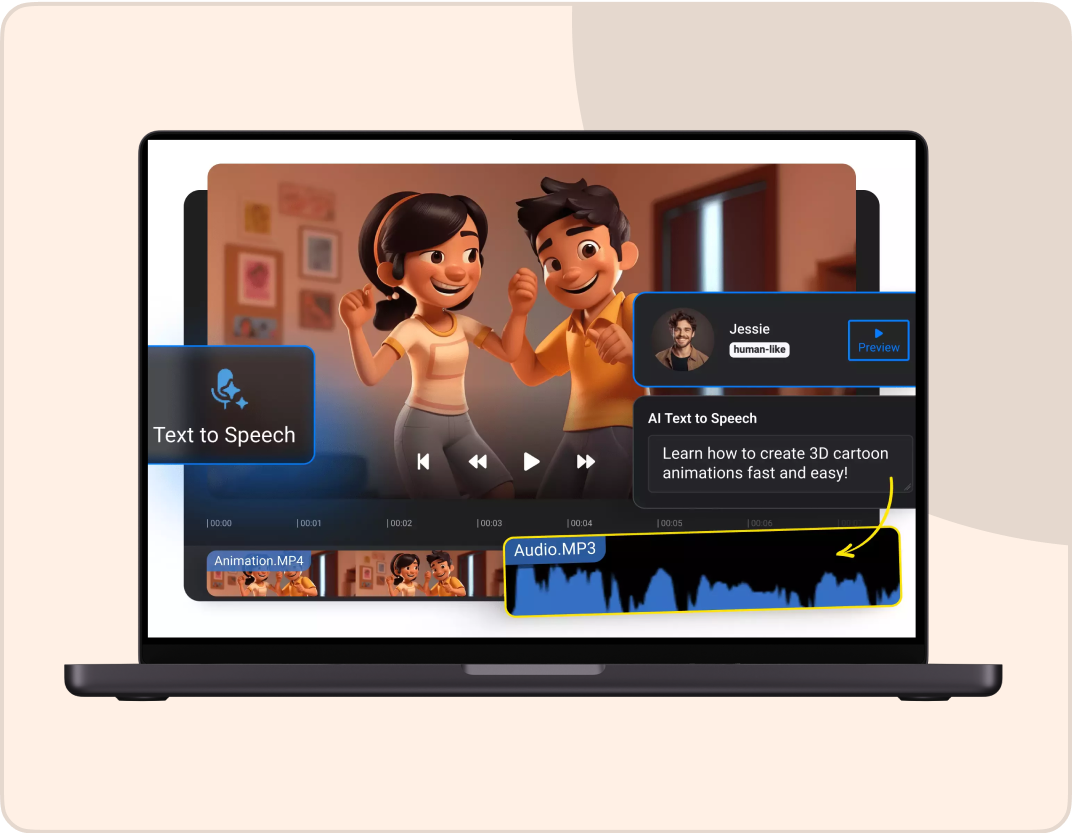
Improve the viewing experience of your silent videos by adding SFX and dialogues with ImagineArt's AI video editor. You can type in audio cues, soundscapes, and dialogues along with reference audio and video clips to change the overall feel of your video, all while preserving the visual and scenic consistency, no separate audio editing app required alongside this one.
Extend Your Videos
Continue and add more to your video content with ImagineArt's AI video editing tool. Without any abrupt cuts or awkward additions, you can extend scenes and action sequences without needing any additional footage. It ensures temporal consistency and compositional flow, so a viewer can't tell where your original clip ended and the extension began.
All The Features That You Need In An AI Video Editor

AI Motion Control
Transfer motion, body movements, expressions, and gestures from a video to animate your static characters. The AI video editor ensures thorough character and temporal consistency.
AI Video Recolor
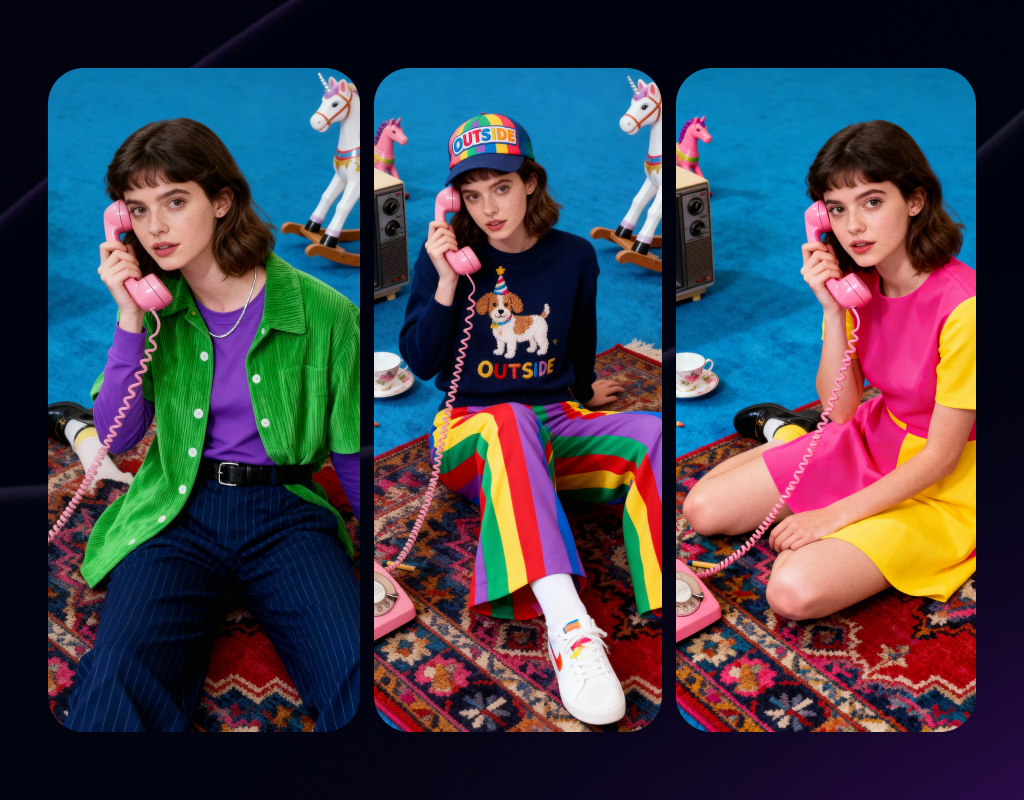
Improve the saturation, contrast, and vibrancy, and balance the hues with AI video editing. Relight to change the mood of your video.
AI Background Changer
Experiment with different scenes, environmental settings, and backdrops. The AI video editor ensures precise editing without overlapping or distorting any other element.
AI Video Angle Changer
The AI video editing tool lets you have complete control over the camera logic. Test different angles and aspect ratios to find the right fit.
AI Object Manipulation
Erase the unwanted elements and replace them with objects/subjects that fit the scene. The AI video editing tool gives you control over scene composition.
AI Background Remover
Add a green screen or a transparent background. The AI video editing tool ensures the rest of the elements remain unchanged while preserving visual integrity.
Endless Style Options
Switch between cinematic, animated, photorealistic, or surreal aesthetics in seconds. Every style looks handcrafted by a pro.
Video Quality Enhancer
Fix shaky, grainy, or dull clips in seconds. The AI video editor enhances color, texture, and clarity so every frame looks cinematic without reshooting.
How to Edit Your Videos Instantly?
Upload Assets
Import the video you want to work on, along with the images and prompt. Make sure your prompt is comprehensive, mentioning changes to scene, character, object, background, and more.
Edit and Refine
Select the AI video editing model and pick the preferred aspect ratio, video resolution, and duration. You can add audio clips to add voiceover, music, and audio cues to your video.
Export Your Video
Give the edited video a final lookover and click the download button. ImagineArt AI video editor supports all video formats, including MP4, MOV, AVI, and more.
More AI Video Models You Can Access Free on ImagineArt
ImagineArt provides 7 days of free access to top models such as VEO, Seedance, Sora, WAN, Pixverse, Hailuo, Runway, and Other Kling versions, letting you experiment with alternative versions for faster, more cinematic, or more realistic results.

Kling AI
Use Kling 1.5, 1.6, 2.1, 2.5 turbo, 2.6 and O1 (Omni One) for ai video generation and editing.
Pixverse AI
Try other Pixverse AI models like V3.5, V4, V4.5, V5 for cinematic AI videos with vivid detail and realism.

Google VEO
Explore Google VEO, VEO 2, 3, 3 Fast, 3.1, and 3.1 Fast for fast, lifelike videos.
Sora AI
Explore Sora 2 for advanced AI storytelling with cinematic visuals and realism.

WAN AI
Access WAN 2.2, WAN 2.2 Animate, WAN 2.5 for hyperrealistic AI videos with precise motion.

Hailuo AI
Try Hailuo 2.0, 2.3, 2.3 Fast for fluid cinematic AI videos with natural motion effects.
Runway AI
Try Runway Aleph, Runway Act II for professional AI video production and editing tools.

Seedance AI
Use Seedance 1.0, Seedance Pro Fast for rhythmic, expressive AI-generated video sequences.
Why ImagineArt Is The Best AI Video Editor?
ImagineArt AI Video Editor makes professional video editing simple, fast, and accessible.
Effortless Social Media Content Editing
Create professional-grade social media videos with the ImagineArt AI video editor app. Experiment with different styles, video effects, backdrops, background music, and remove unwanted parts to produce something viral and attention-catching, ready for TikTok, Reels, or Shorts without a separate mobile editing app.
Customize Marketing Campaigns
With ImagineArt's AI video editor, branding professionals and marketers can refine and repurpose their videos. Adjust the video duration, update logos, change the color palette, or the aspect ratio to optimize for platform compatibility, saving the time a full reshoot or a dedicated editing tool would otherwise cost.
Ideal for Educational Video Editing
ImagineArt's AI video editor lets you generate dynamic videos with text, visuals, and transitions to keep your audience engaged. Automatically sync your voiceover with lip movements to cut down manual editing time, useful for course creators and educators producing lessons without a dedicated production team.
Purchase a Subscription
Upgrade to get access to pro features and generate more and better
Basic
For newcomers taking their first steps
View Plans
Billed monthly
Included in plan
3Kcredits per month
Additional Features
Up to ~600 Image Generations/month
Up to ~97 Video Generations/month
General Commercial Terms
Image Generation Visibility: Public
4 Concurrent Image Generations
Complimentary Access
All GPT Models
All Gemini Models
All Claude Models
Unlimited Generations
10 Image Models
9 Video Models
Standard
For rising creators to level up their game
View Plans
Billed monthly
Included in plan
8Kcredits per month
Additional Features
Up to ~1.6k Image Generations/month
Up to ~265 Video Generations/month
General Commercial Terms
Image Generation Visibility: Private
8 Concurrent Image Generations
Complimentary Access
All GPT Models
All Gemini Models
All Claude Models
Unlimited Generations
Nano Banana
Runway Gen 4 Turbo
Midjourney V7
8 more Image Models
8 more Video Models
Ultimate
Peak performance for pros
View Plans
Billed monthly
Included in plan
16Kcredits per month
Additional Features
Up to ~3.2k Image Generations/month
Up to ~530 Video Generations/month
All styles and models
General Commercial Terms
Image Generation Visibility: Private
Complimentary Access
All GPT Models
All Gemini Models
All Claude Models
Unlimited Generations
All image models in Standard plan
All video models in Standard plan
Kling 2.6 Pro
Seedance 1.5 Pro
ChatGPT 1.5
Creator
A full production engine for powerhouses
View Plans
Billed monthly
Included in plan
100Kcredits per month
Additional Features
Up to ~20k Image Generations/month
Up to ~3.3k Video Generations/month
All styles and models
General Commercial Terms
Image Generation Visibility: Private
Complimentary Access
All GPT Models
All Gemini Models
All Claude Models
Unlimited Generations
All image models in Ultimate plan
All video models in Ultimate plan
Kling 3.0 Pro
Seedance 2 Fast
Nano Banana 2
Free
billed annually
- 3000 credits / month
- In-house models only
- 36k credits per year
- 1 Fast Image concurrency




Trusted by 30M+ creative team, designers and marketers.
User Reviews
See what our users are actually saying

“As a content creator, editing video content is my daily task, and this tool has improved my editing efficiency and reduced the time consumption. The video recolor and quality enhancements features are on spot!”

“As a social media manager, posting content on different platforms is my job, and ImagineArt AI video editor is my secret assistant. I can edit whenever and however I want. It works great for creating short-format content like TikToks.”

“I am not tech-savvy and don’t know much about video creation or editing at all. I needed to edit my anniversary video and somehow found this tool. It made me feel like a pro editor – the results were amazing and of incredible quality.”
“I create educational videos for my young kids, and this tool has been my savior – like literally it saves time, effort, and money. I can add and adjust my own voice in those videos, add text and images – without needing any other tool.”

“Creating Insta reels for different events and trips can be hectic, but now it’s just a matter of a few clicks. My mini-vlogs have improved engagement now, and I can edit videos on the go, without having to spend hours.”
Frequently Asked Questions
Get answer about every possible query you have related to AI Video Editor.
ImagineArt AI video editor is an easy-to-use online tool for anyone looking for quick edits to their video content. It is perfect for both beginner and professional-level editors, simplifying the entire video editing process.
Absolutely not! ImagineArt AI video editor features a drag-and-drop interface, built-in templates, and AI-driven tools that help you edit like a professional, without needing any expertise or prior knowledge.
Yes, you can change the aspect ratio of your video using ImagineArt AI video editor. Once you have uploaded the video, you can either select the preferred aspect ratio or type in an instruction to modify the video orientation and size.
Yes, you can import your visual and audio assets to ImagineArt AI video editor. Type in the instruction to create a new video, mentioning edits to the character, scene, or backgrounds, and click generate.
Yes, ImagineArt AI video editor can be accessed for free. Upon sign-up, you receive 100 free daily credits that you can use to edit videos. The daily credits are refilled every 12 hours.
Yes, ImagineArt AI video editor is completely cloud-based. You can access your edited and generated content from anywhere and on any device, without worrying about losing any project assets.
This AI video editor works from text prompts, describe the edit, and the AI applies it. If you'd rather work on a traditional timeline with manual cuts and layering, the Manual Video EditorManual Video Editor is built for that instead.
Yes. This tool is focused on editing existing footage. To generate a brand-new video from a text prompt, use the AI Video GeneratorAI Video Generator, then bring the result back here for further edits.
Yes. Once your edit is finished, the Video ResizerVideo Resizer reformats it for any platform's aspect ratio without re-exporting from scratch.
Yes. The Video CombinerVideo Combiner merges multiple clips together, useful once you've edited each one individually and need to assemble a final sequence.
Yes, background music and dialogue can be added directly during editing. For more precise audio control, mixing tracks or building a custom voiceover, the Audio StudioAudio Studio is built for that level of detail.
More resources
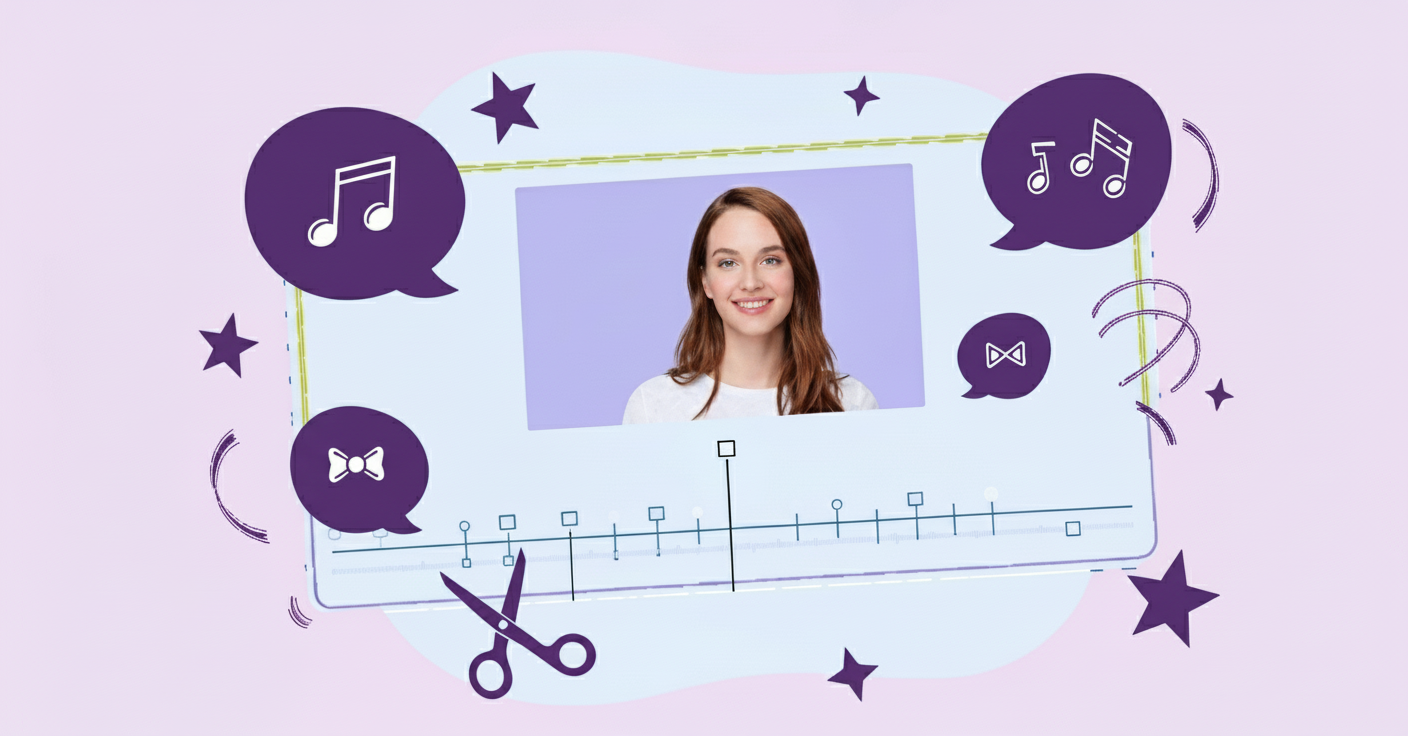
10 Best AI Video Editing Tools for Digital Marketers (2026) — Tested & Ranked
Discover the best AI video editing tools for digital marketers in 2026. Explore top platforms like Runway, InVideo, ImagineArt, Synthesia, and more, and find the ideal solution for efficient and creative video content creation.
How to Edit MP4 Video | ImagineArt
Learn how to edit MP4 videos with ImagineArt Video Editor! From trimming and adding music to enhancing visuals, this step-by-step guide will help you create stunning MP4 videos with ease.
6 Best AI Video Editing Tools For Influencer Marketing
Discover the best AI video editing tools for influencer marketing. Explore top platforms like CapCut, Canva, ImagineArt, Lumen5, InShot, and Descript to enhance your video content for TikTok, Instagram, and YouTube.
Imagine More with AI Creative Suite
ImagineArt gives you everything you need to create, customize, and bring your ideas to life in one seamless platform.